The CVK 350 Poker Analyzer is a cutting-edge poker cheating device designed to give players a strategic edge in games like Texas Holdem, Omaha, and Blackjack. This sophisticated poker hand analyzer works seamlessly with barcode marked cards to provide real-time game insights, helping you predict winners and calculate odds within seconds. In this guide, we’ll walk you through the setup process for the CVK 350 poker scanner, ensuring you can use it effectively and discreetly. Whether you’re a seasoned player or new to poker cheating systems, this step-by-step CVK 350 poker analyzer setup guide will help you master the device.
What is the CVK 350 Poker Analyzer?
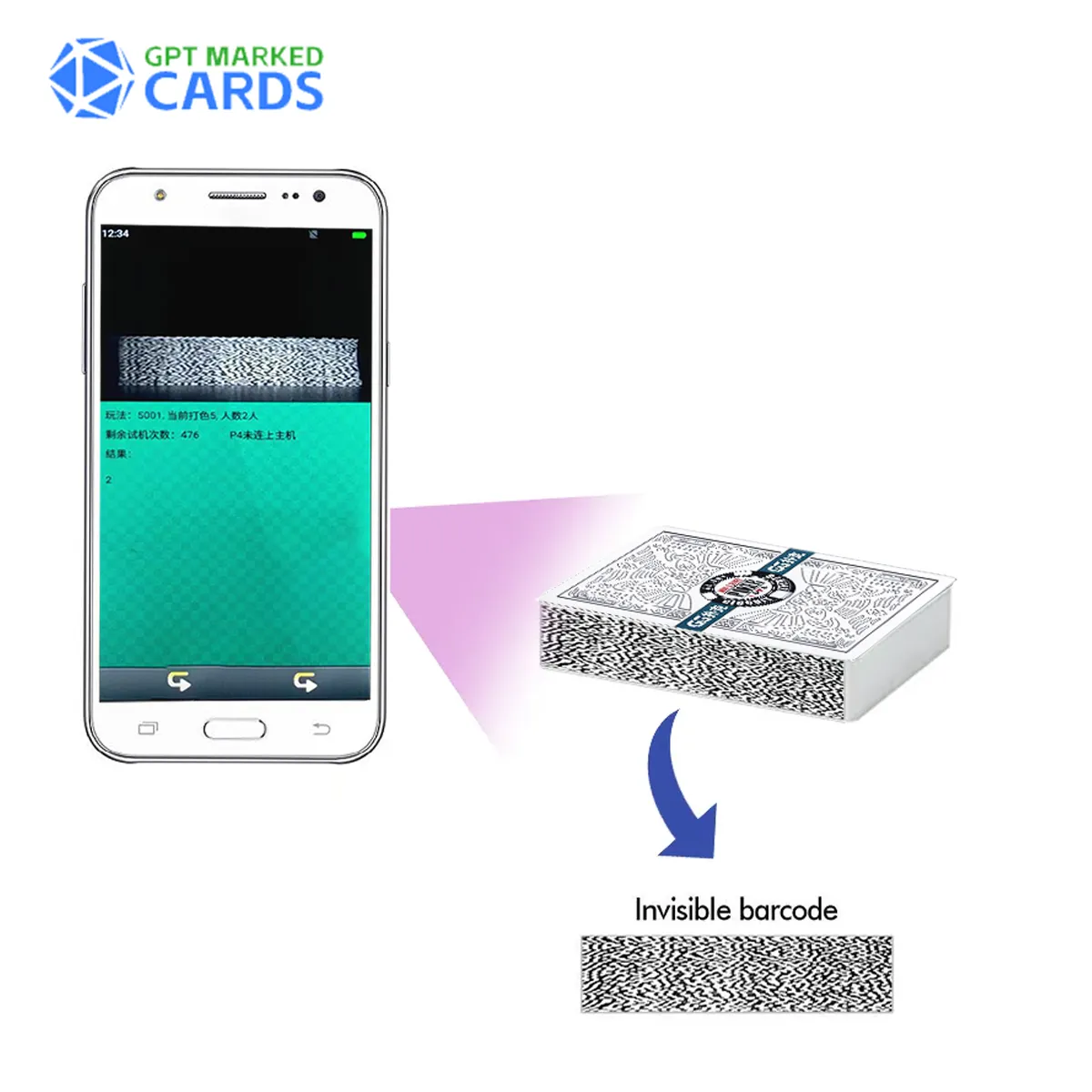
The CVK 350 Poker Analyzer is a high-tech device disguised as a smartphone, equipped with a built-in scanning camera that reads barcode marked cards. It processes game data in as little as 0.5 seconds, delivering results through a Bluetooth earpiece or a time mode display. This poker cheating device is ideal for various poker games, offering accuracy and reliability to enhance your gameplay strategy. Its compact design and advanced features make it a popular choice among poker enthusiasts looking for a subtle advantage.

Step-by-Step Setup Guide for CVK 350 Poker Analyzer
Setting up the CVK 350 poker scanner is straightforward if you follow these steps carefully. Ensure you have all necessary components: the CVK 350 device, barcode marked cards, a Bluetooth earpiece or vibrator, and an optional external scanning camera.
Step 1: Prepare the Barcode Marked Cards
The CVK 350 poker analyzer works exclusively with barcode marked cards, which have invisible barcodes printed along their edges. These cards are indistinguishable from regular decks to the naked eye. Ensure you have a compatible deck, such as Bicycle or Copag cards, marked with invisible ink for the CVK 350. Test the cards by scanning them with the device to confirm readability within a 20-40 cm range.
Step 2: Configure Game Settings
Before using the CVK 350, set up the game type (e.g., Texas Holdem, Omaha, or Blackjack) and player count. Access the settings menu on the CVK 350 poker analyzer to select the game mode and input the number of players. Some settings, like video selection or voice mode, may need periodic updates during gameplay if players join or leave. Use the remote control to adjust player numbers discreetly.
Step 3: Choose Your Scanning Method
The CVK 350 poker scanner offers two scanning options:
- Local Camera: Use the built-in camera to scan cards within a 20-40 cm range. Ensure the cards are within this distance during gameplay.
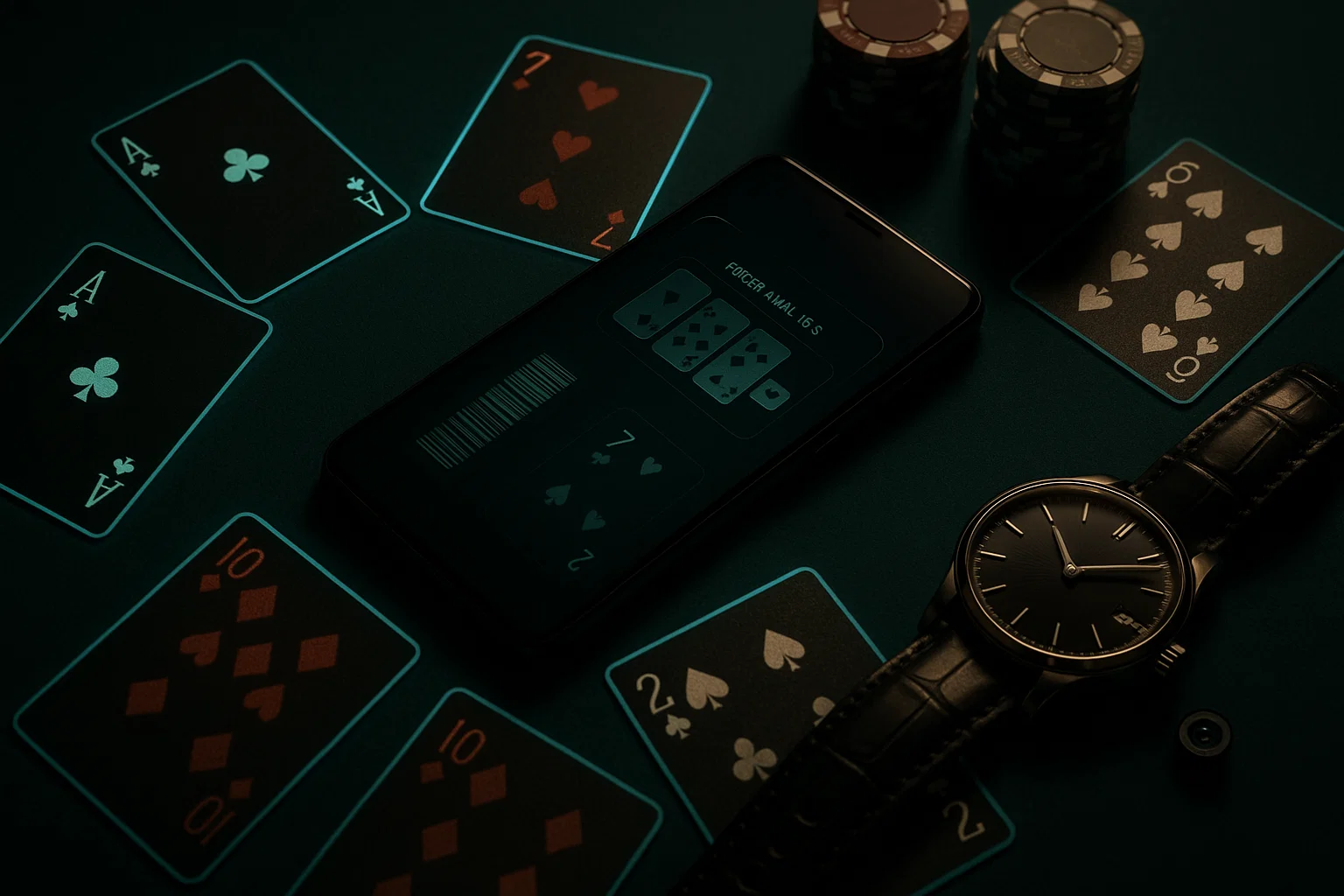
- External Camera: If phones are not allowed on the table, use an external poker scanning camera (e.g., hidden in a watch, button, or power bank). These cameras can scan cards from 8-90 cm, depending on the model. Connect the external camera to the CVK 350 via Bluetooth for seamless data transmission.

Step 4: Connect the Bluetooth Earpiece or Vibrator
To receive game results, pair the CVK 350 poker analyzer with a Bluetooth earpiece or vibrator. The earpiece delivers real-time audio updates about the winner or odds, while the vibrator uses frequency patterns to communicate results discreetly. Test the connection in a quiet environment to ensure clear audio or vibration signals. For added security, use the time mode display on the CVK 350 to view results directly on the screen.
Step 5: Test and Start the Game
Before entering a live game, test the CVK 350 poker cheating system in a controlled setting. Deal a few hands with your barcode marked cards and verify that the analyzer correctly identifies the winner and calculates odds. Adjust the scanning distance or camera angle if needed. Once confident, you’re ready to use the CVK 350 poker scanner in real gameplay scenarios.

Tips for Using the CVK 350 Poker Analyzer Effectively
- Practice Discretion: Keep the device or external camera concealed to avoid suspicion. Use everyday objects like watches or lighters for external cameras.
- Maintain Battery Life: Charge the CVK 350 and external devices fully before a game to ensure uninterrupted performance.
- Test Regularly: Periodically test the system with your barcode marked cards to confirm accuracy, especially if using a new deck.
- Stay Updated: Check for firmware updates for the CVK 350 to access the latest features and game modes.
FAQs About the CVK 350 Poker Analyzer
What games are compatible with the CVK 350 Poker Analyzer?
Can the CVK 350 work with any marked cards?
How far can the CVK 350 scan barcode marked cards?
Is the CVK 350 Poker Analyzer discreet?
How do I receive results from the CVK 350?
Conclusion
The CVK 350 Poker Analyzer is a powerful tool for gaining a competitive edge in poker games. By following this setup guide, you can configure the device to work seamlessly with barcode marked cards, delivering accurate and real-time results. Whether you’re playing Texas Holdem, Omaha, or other poker variants, the CVK 350 poker scanner offers unmatched precision and discretion. For high-quality poker analyzers and accessories, visit GPT Marked Cards to explore our range of cutting-edge poker cheating devices.